Media
Managing icons and images
The Media tab in the CMS gives you a searchable, browsable view of all static assets available in your project: custom icons, images, and the full WebcoreUI icon library. It is a read-only reference tool: assets are not uploaded through the CMS but managed directly in your project’s file system.
Adding Assets
Place SVG files in src/icons/. Icons can be organised into subdirectories, and each subdirectory becomes its own tab in the Media panel.
src/icons/arrow.svg → appears in the Icons tabsrc/icons/social/github.svg → appears in a Social tabsrc/icons/flags/1x1/us.svg → appears in a Flags tabPlace image files in public/img/. Like icons, subdirectories are automatically grouped into separate tabs:
public/img/logo.png → appears in the Images tabpublic/img/avatar/john.png → appears in an Avatar tabAn image manifest is generated automatically each time the dev server starts or a production build runs. This keeps the Media panel in sync with whatever is currently in public/img/ without any manual configuration.
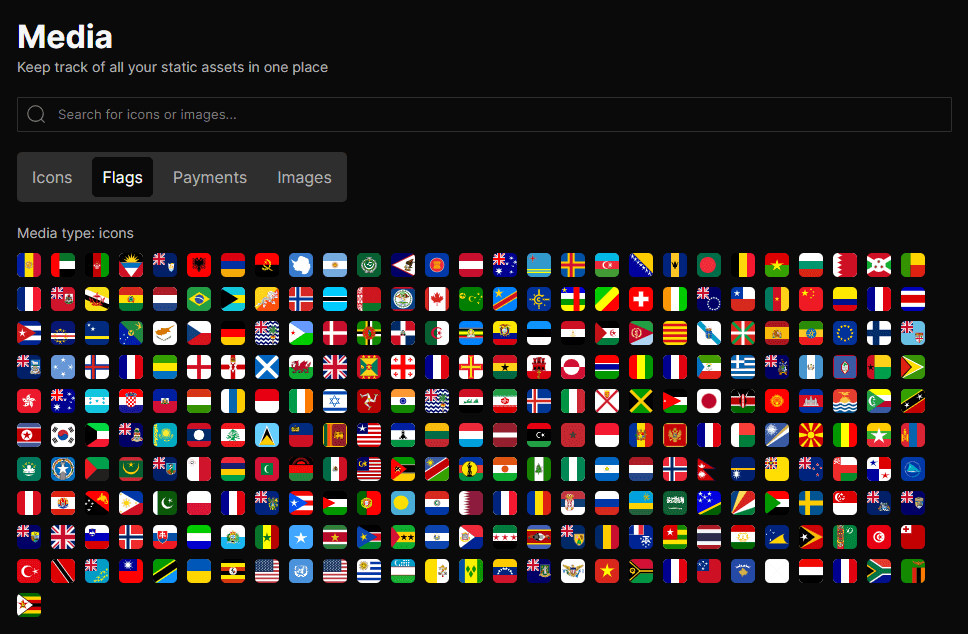
Using the Media Panel
Navigate to Media in the CMS sidebar to browse all available assets. A search bar at the top filters across all tabs simultaneously as you type.Assets are organised into tabs based on their source and subdirectory:
| Tab | Source | Contents |
|---|---|---|
Icons | src/icons/ | Root-level SVG files from your project |
[Subdirectory name] | src/icons/[group]/ | SVGs organised into a named subfolder |
Flags | src/icons/flags/ | Flag icons in 1x1 format |
Images | public/img/ | Root-level images from your project |
[Subdirectory name] | public/img/[group]/ | Images organised into a named subfolder |
Icons (WebcoreUI) | webcoreui/icons | The full WebcoreUI icon library, shown at the bottom of the Icons tab |
Clicking any asset copies its import path or usage snippet directly to your clipboard:
| Asset type | Copied to clipboard |
|---|---|
Custom icon | import ArrowIcon from '@icons/arrow.svg?raw' |
Image | /img/logo.png |
WebcoreUI icon | import { ArrowIcon } from 'webcoreui/icons' |
Supported Formats
The Media panel renders any file format the browser can display as an <img> element. SVG, PNG, JPG, WEBP, and GIF are all supported. Files are loaded lazily so large image libraries do not affect panel performance.